
Codes
No working promo codes exist for this Roblox worm-defense game as of September 2026. We will list every drop here.
View all CodesRoblox codes, unit tiers, and door-defense guides.
Unofficial Roblox wiki for Defend Your Base From Scary Worm covering codes, unit tiers, door defense, and co-op build guides.

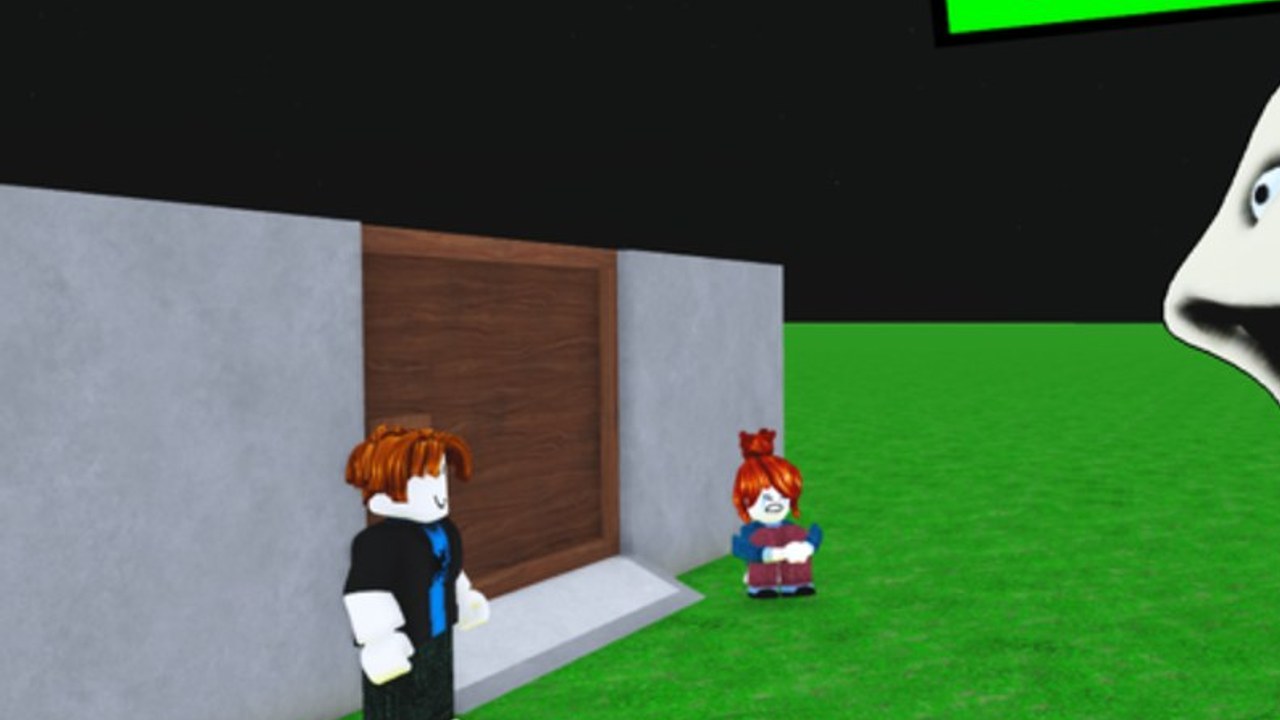
Defend Your Base From Scary Worm is a free Roblox tower-defense game from the verified group Evil Worm Simulator (owner TreeTrunk_290). You claim a base, spend cash on turrets and printers, and repair the wooden door while a giant smiling worm tries to chew through it. Servers hold up to 35 players, so co-op is part of the loop, not a side mode. Use the unit tier list to pick spear throwers, mortars, and late blue damage units, then follow how to beat the worm instead of dumping cash into cosmetics. Codes are not live yet — join the group and like the experience for the rewards the description promises, and keep the updates hub open after the 3 September 2026 patch.
No working promo codes exist for this Roblox worm-defense game as of September 2026. We will list every drop here.
View all CodesWalkthroughs for Defend Your Base From Scary Worm: claim a plot, print cash, hold the door, and beat every difficulty.
View all GuidesRole-ranked S–C list for printers, spears, mortars, the blue unit, and door work from observed Scary Worm footage.
View all Tier ListDefenders, money printers, and the Scary Worm in one roster hub: roles, observed stats, and links to builds that clear.
View all UnitsHonest Roblox update tracker for Defend Your Base From Scary Worm: live date, in-game loop, and no invented patch bullets.
View all UpdatesNo public scripts match this exact Roblox place ID as of September 2026. Read the feature list and safety notes first.
View all ScriptsPractical checklists and wave planners for Defend Your Base From Scary Worm—not fake DPS calculators with invented formulas.
View all ToolsBookmark the official Roblox game page, the Evil Worm Simulator group, and this wiki. No fake Discord invite lives here.
View all LinksJoin the Roblox experience and take an empty plot. The getting started guide covers the first 450 cash and why the wooden door is the only HP that actually ends the run.
Buy a money printer or farm before a wall of vanity units. How to farm and the economy buildings page show the order that keeps upgrades coming through wave 13.
Keep the door near 400 HP. If you forget, the worm wins even with maxed mortars. Use how to protect the door and the build checklist.
Spear throwers hold the first waves. Mortars and the ~16k blue damage unit are what punch a million-HP worm. Compare them on the unit tier list and endgame loadouts.
Clear the difficulty you queued, bank gems, and only then roll exclusive crates. How to beat the worm walks the full-clear video, and updates tracks what changed on 3 September 2026.
Quick answers to the most common questions.
Yes. It is a free Strategy / Tower Defense experience by Evil Worm Simulator, place ID 85070260180613, live since 28 February 2026. Play it from the official links page.
No public codes are active as of September 2026. The codes hub explains how we will list them, and group rewards covers the like-and-join bonus the game description already advertises.
Repair the door, keep printers running, and stack DPS that outpaces the worm's healing. Read how to protect the door then how to beat the worm.
This wiki supports: English, Français, Deutsch, Español, Português (BR). Configure locales in site.meta.json and run npm run generate:i18n.
No. This wiki covers Defend Your Base From Scary Worm by Evil Worm Simulator only. Do not import codes, maps, or scripts from the 67 title — they belong to a different place.
Yes. Servers hold up to 35 players and the listing is tagged Co-op. How to play covers claiming plots next to teammates and sharing repair duty.
Open the getting started guide, lock a starter loadout, and run the build checklist before the boss countdown. When you are ready to push, read how to beat the worm and keep codes bookmarked for the first drop.
Start with the beginner guide